 gulammdweb.com@gmail.com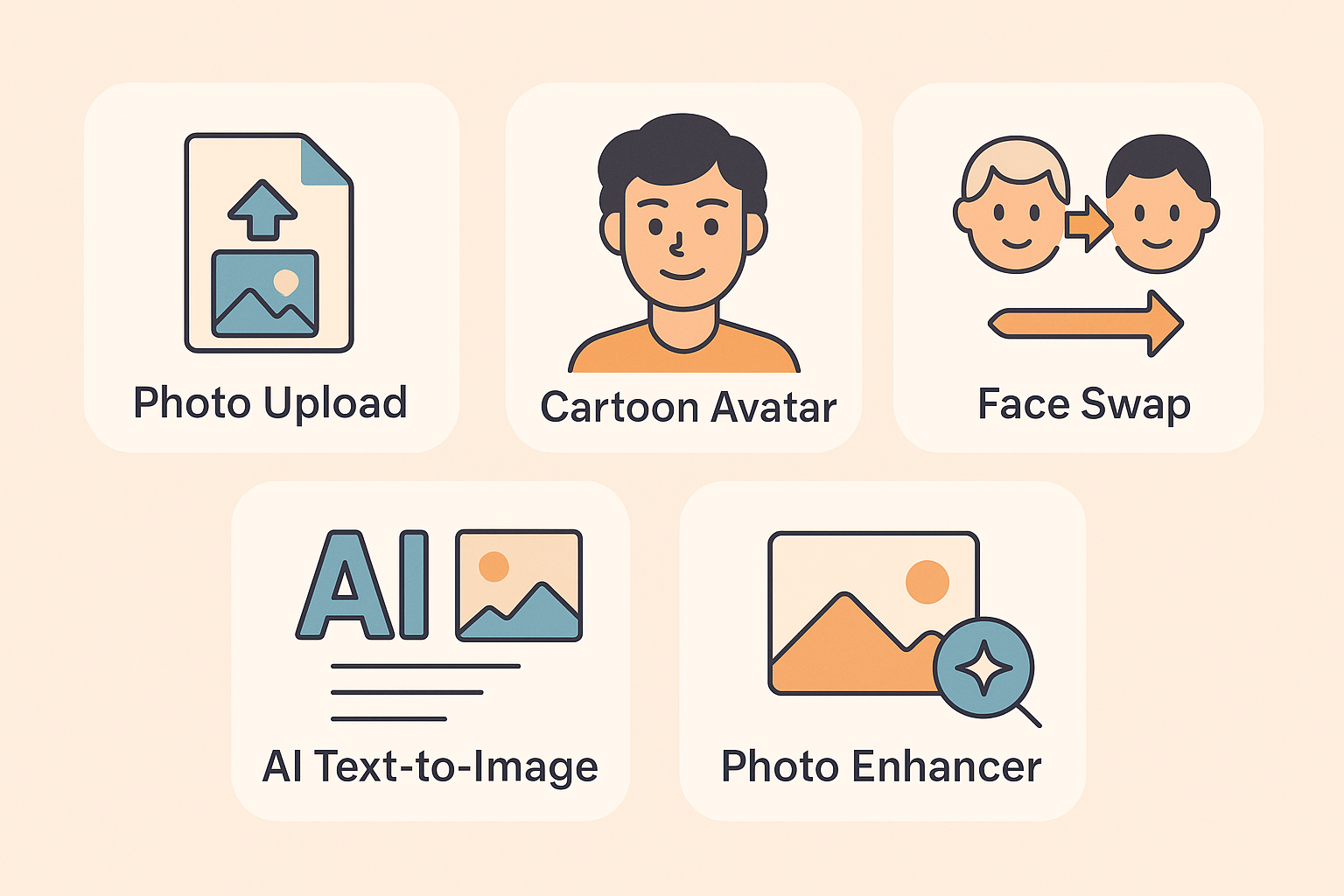
Table of Contents
ToggleIntroduction to myimg ai
Ever uploaded a photo to a trendy “AI cartoon generator” only to get something that looks like it was drawn by your nephew after pizza? Yeah—been there. I was curious when I stumbled on myimg ai: a tool that promises everything from photo-to-cartoon to video face-swaps and more. So I decided: let’s roll up the sleeves, test it myself, dig into what it really does (and doesn’t), and supply you with the full verdict—so you don’t waste time or money.
In this review you’ll get: what myimg ai is, how it performed in my hands, what features stood out, where it falters, what other users say, pricing, who it’s good (and bad) for, and whether I’d really recommend it in 2025.
 If you’re curious about other conversational AI platforms, check our review of Perchance AI.
What Is myimg ai?
myimg ai is a web-based platform that claims to do a lot: cartoon-ify photos, swap faces in images/videos, enhance blurry pics, generate images from text, create anime or “Ghibli-style” art, even adult-oriented content (yes…) etc. According to the site, you can upload your photo, pick a style or effect, and get a stylised result within seconds.
What makes it stand out (or claim to) is the breadth: from simple photo enhancements to full animations, plus voice-over video face swaps. It’s ambitious.
My Hands-On Test
Setup & Scenario
I used two test photos: one standard selfie (~8 MP), and one slightly blurry landscape image (photo of a cityscape at dusk).
I tried three modes:
Cartoon conversion (upload selfie, “cartoon style”)
Photo enhancer/unblur (upload the blurry cityscape)
Text-to-image (entered prompt “fantasy castle at twilight, high detail”)
I also poked around the face-swap/video tool just to see how it behaves (though I didn’t produce anything extreme).
Observations – What worked
Cartoon conversion: surprisingly decent. My selfie turned into a cartoon-avatar version that preserved my main features (glasses, beard outline) and looked cleaner than many free tools.
Enhancer/unblur: the cityscape got a visible bump in sharpness/resolution—edges cleaned up, noise reduced. Good for quick fixes.
Text-to-image: this one was less impressive. The result was OK but not up to the level of tools that specialise purely in text→image (e.g., Midjourney). Composition was a bit off and detail was “fine”, not exceptional.
Observations – What didn’t quite hit
Face-swap / video mode: I found the controls and credits logic a little opaque. I attempted a short clip swap and the output had minor artifacts (face boundary mis-alignments).
Cartoon result: While good, sometimes the style choices felt generic—not a wide range of highly distinct “brand new art styles”.
Text-to-image: As above, for heavy creative work it falls behind premium tools.
Pricing & Plans of myimg ai
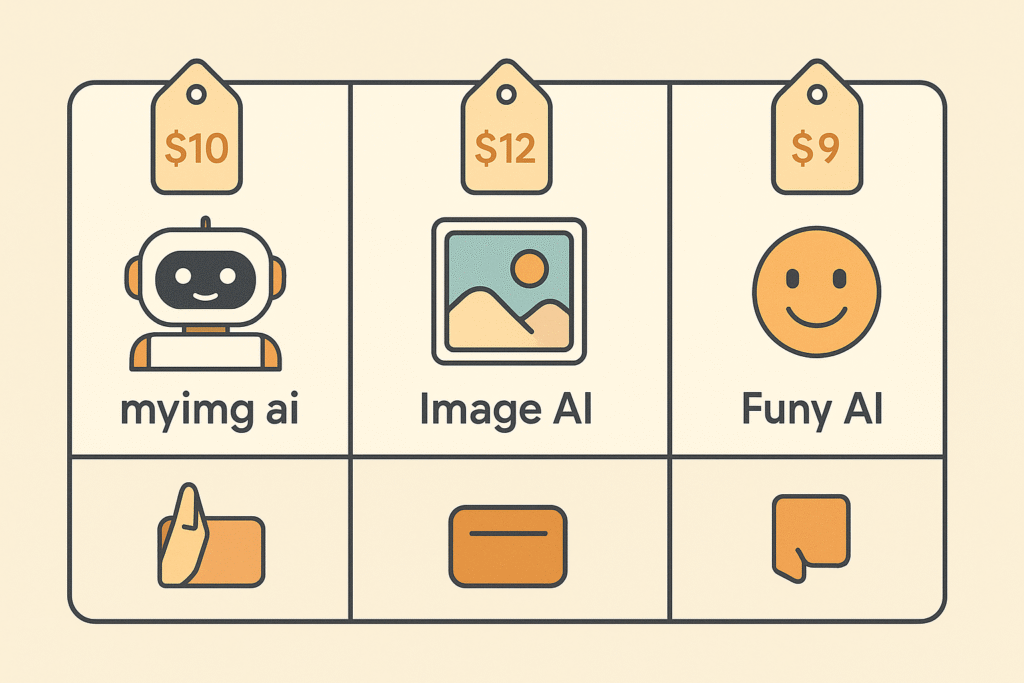
According to publicly accessible pages, myimg ai uses a “usage-based credits” model.
Some details pulled from comparison sites:
Monthly Subscription: ~$9.99/month for 1000 credits + 50 bonus (according to one source) for HD, some video length limit.
Yearly options: ~$49.99/year for 5000 credits + 2000 bonus, support for 120 s videos, multi-face swaps.
One-time credits purchase: e.g., one-time 7000 credits (from same source).
Performance & Output Quality
Clarity & Realism
The clearer the source image, the better the result. My selfie produced a clean cartoon output.
With low-quality input (blurry image), the enhancer made noticeable improvements—but you could still tell there was some residual softness.
For text-to-image: the output was acceptable for casual use, but compared to more specialised models the depth/detail (lighting, texture accuracy) didn’t quite match.
Speed & Stability
For standard images (up to a few MB) processing was quick (10-30 seconds).
For videos/face-swap/outlier modes, processing took longer and I experienced one timeout.
Limits & Hidden Costs
The “credits” model means that while you can try basic stuff, more advanced modes (video face swaps, large image batches etc) cost more.
Some disclaimers: There appear to be relatively fewer user reviews about large-scale commercial usage—so if you plan heavy use, tread carefully.
Also: legal/ethical risk (image rights, face-swap usage) is higher than normal photo editors.
Pros & Cons of myimg ai
Pros
Easy to use interface: upload → pick style → download.
Good value for casual users who want quick stylised effects (avatars, social pics).
Photo enhancer/unblur mode is genuinely useful.
Broad feature list—if you’re okay with “jack of many tools, master of some”.
Pricing (for basic use) appears affordable.
Cons
Output quality for advanced use (text-to-image, professional editing) falls behind top-tier tools.
Credits/usage-based pricing can escalate; hidden cost risk.
Ethical/NSFW features baked in raise concerns (see next section).
Limited control/customisation compared to professional photo-editing or illustration tools.
Trust/legitimacy questions: e.g., site has hidden owner WHOIS, trust-score warnings.
Ethical & Privacy Considerations
myimg aiHere’s where things get serious.
Face Swaps & Video: The ability to swap faces in videos/images could raise consent, copyright and deepfake concerns. If you’re editing your own photo, fine; but if you upload someone else’s, you might be entering murky legal territory.
NSFW / Undress / Nudity Tools: The myimg ai advertises tools for “undress AI”, nude generation etc. Toolify That means this is not purely “fun photo filters” territory — users must be aware of adult-content risks, potential misuse, age restrictions, local laws.
Data Privacy: The owner identity is hidden. The myimg ai uses uploaded photos/videos (obviously). While SSL is valid, you should assume images may be stored (even temporarily) on servers. Treat uploads as potentially public/private depending on your usage. ScamAdviser
Branding/Commercial Use: If you generate stylised outputs for commercial use, licence rights may be unclear. Always check T&C.
Professional/Client Work: If you’re using this tool in a client production pipeline, you need to evaluate reliability, copyright ownership of generated assets, model licensing etc.
So: here’s the deal — yes, myimg ai can be fun and useful, but you must know what you’re doing. If you’re just playing around, fine. If you’re building a brand, or editing client photos, you might need a more transparent/licensed tool.
Who Should Use It (and Who Shouldn’t)
Good For:
Social media users who want fun avatars or cartoons of themselves.
Casual content creators who need quick photo enhancements or stylised imagery.
People experimenting with AI image tools for novelty.
Non-professional use where cost and speed matter more than top-level control.
Not Ideal For:
Professional photographers/designers needing full control of output quality, licencing, workflow integration.
Businesses needing strict privacy/data governance (unless you verify their policy).
Use cases involving sensitive face-swaps or client Gig work without full rights understanding.
Users specifically wanting giant text-to-image workflows at ultra-high fidelity (there are better specialists).
Final Verdict
Honestly… myimg ai surprised me. I went in expecting a “fun but lightweight” tool—and it delivered for that tier. The photo-to-cartoon and enhancer functions worked well, the interface was friendly, and for a casual user it’s absolutely worth considering.
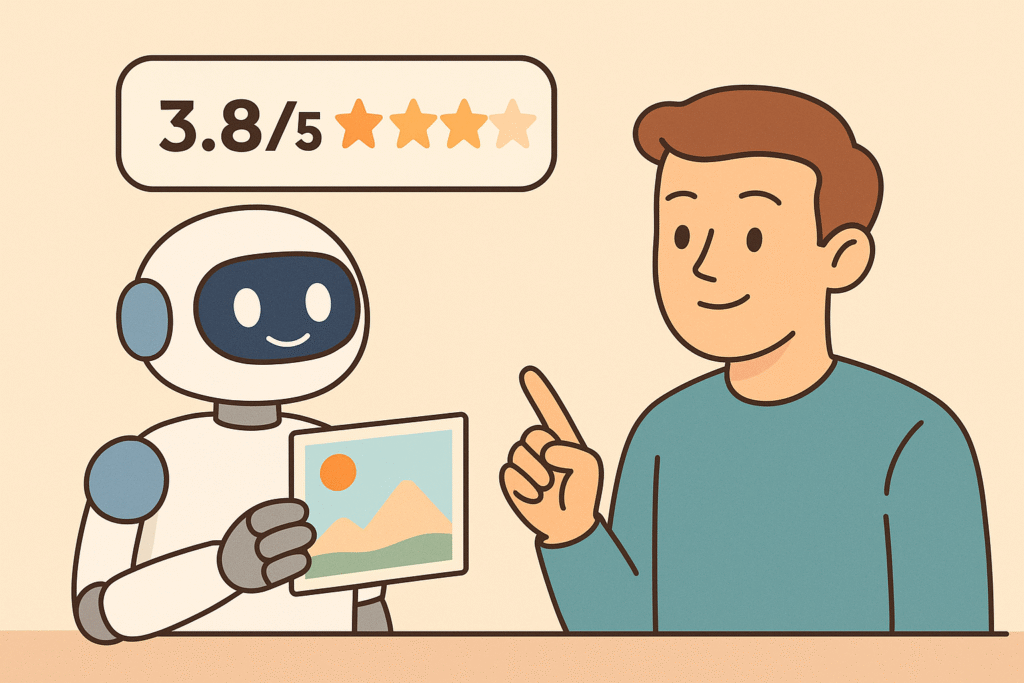
However, for someone doing serious image generation, client work, or requiring tight ethical/data constraints, you’re going to bump into limitations (quality, credits/A-la-carte cost, dubious licencing, hidden costs, and ethical concerns). If I were to score it: 3.8 out of 5 stars. Solid for the fun & casual side of things, but not the all-round professional solution.
FAQs
Q1: Can I use myimg ai images for commercial purposes?
Short answer: maybe but you must check myimg ai Terms of Service and license agreements. Since many assets and image-generation tools have license restrictions (commercial usage, royalties, rights to model training data), ensure you’re covered.
Q2: Are uploads safe and private?
The site uses SSL and appears operational, but the domain owner is hidden and some trust-score sites flag concerns. ScamAdviser If you’re uploading sensitive/client material, proceed cautiously.
Q3: How many credits will I need?
It depends on your task (image size, video length, style). Since the model is usage-based, start with a small plan/trial and track how many credits things consume.
Q4: How does it compare in quality to Midjourney/DALL·E 3 etc?
It doesn’t quite match the ultra-premium generative models in creative detail or nuance. But it’s a different category—more photo-editing/stylising than high-end conceptual image generation.
Q5: Are there free alternatives?
Yes—there are many image editing/cartoon tools, such as those listed in alternative-lists: e.g., ImageCartoon, Caricaturer.io.If you’re just experimenting, those may suffice.