 gulammdweb.com@gmail.com
Table of Contents
ToggleIntroduction to Project Read AI
Ever sat across from a pile of guided-reading worksheets, thinking “there’s got to be a better way”? I did when I was tutoring a student who’s been stuck on decoding for months. That’s when I stumbled across Project Read AI, a tool promising to make literacy instruction smarter, faster and more personalised. I rolled up my sleeves, tested it end-to-end, and here’s the un-varnished truth about how it performs in 2025 — for teachers, literacy coaches, and ed-tech curious folks.
What Is Project Read AI?
Project Read AI describes itself as an AI-powered literacy platform for educators. Its core mission: help teachers deliver evidence-based reading instruction aligned with the “Science of Reading”.
Key highlights:
Built by former teachers and literacy-specialists (so the pedagogy is central) rather than just a generic AI toy.
Offers tools like a Decodable Story Generator, personalised AI-tutor support (for phonics, fluency, comprehension) and curriculum alignment. projectread.ai
Aimed primarily at K-12 educators (schools, districts) but also usable by tutors and private practitioners.
What makes it stand out is this focus on structured literacy and decodables — rather than generic reading-apps. But it’s not perfect (and I’ll get into that).
 If you’re curious about other conversational AI platforms, check our review of Perchance AI.
My Hands-On Test
Scenario: I used Project Read AI as though I were a 4th grade teacher preparing a small-group session for students who need extra decoding support. I used the Decodable Story Generator, then ran the AI-Tutor with a sample student reading aloud.
Step-by-Step:
Logged in as a teacher (free trial version).
Created a decodable passage: selected target phonics skill (e.g., “-ight” / “spr…”), chose student name “Alex”, set topic “camping”. Generated the story.
The result: a customised story with “Alex sprights through the night…”, images included. Quick, intuitive.
Small issue: some of the vocabulary felt slightly above the ideal zone for a student still building fluency — the teacher still has to vet it.
Downloaded the story as a PDF for print-use. Worked fine.
Moved to the “AI-Tutor” mode: I asked it to listen to a recorded audio of “Alex” reading the story (I used my own voice reading the text).
It provided immediate feedback on mis-reads and fluency errors (hesitations, repeated words).
It also offered a “tip” section: e.g., “Encourage Alex to self-correct when he hesitates for more than 2 seconds”.
I noted a few mis-identifications: a word that I read slowly was flagged as “pause >2 s” though it was intentional for comprehension. So teacher oversight is needed.
Exported a small group-report: how many words read, errors, fluency rate. The UI felt clean, but a little rough in customising group-settings.
Observations, Surprises & Results:
Speed: The story generator was nearly instant (within ~30 seconds). The tutor feedback for a 2-minute reading took around 2-3 minutes.
Clarity: The generated decodable was definitely more polished than many “auto decodables” I’ve seen. The AI-tutor’s feedback was actionable.
What surprised me: The “image insert” feature: I could ask for “image of children around a campfire” and it created a simple visual that matched. Nice touch.
What disappointed me: The vocabulary sometimes drifted just above the student’s level; the AI-tutor flagged things but didn’t always give a simpler substitute automatically. Also, full class-level management (30+ students) felt a bit basic.
Result: For a small-group or individual use, this tool is a legit timesaver and quality booster. For large-scale district-wide use you might need additional workflows.
Performance & Output Quality
Let’s talk performance in real-world terms: clarity, realism, speed, and limits.
Clarity & Quality of Stories: The stories read very naturally for decodables — appropriate sentence length, repeat phonemes appropriately, and include images. While not “literary masterpieces”, they do exactly what they promise: meaningful practise texts.
Accuracy of AI Tutor Feedback: The tool correctly flagged obvious mis-reads and hesitations. For finer nuances (e.g., reader self-correction, prosody, expression) it was less precise — a human teacher still needs to interpret.
Speed: From login → story generation → export took ~5 minutes. Reading and feedback loop ~3 minutes for a short text. That’s fast compared to manual prep & marking.
Limits:
The free/entry tier may be restrictive (see pricing below).
For large cohorts, workflows (bulk student onboarding, class-level tracking) are less robust than big LMSs.
Images are nice, but not as polished as a designer might build.
The tool assumes students have a device and good audio input; quieter audio or non-native speaker accents may reduce tutor accuracy.
Realism: Because it’s focused on structured reading, the output suits its purpose. But if you wanted “free-form reading” or “high-level literature generation”, this tool is not designed for that.
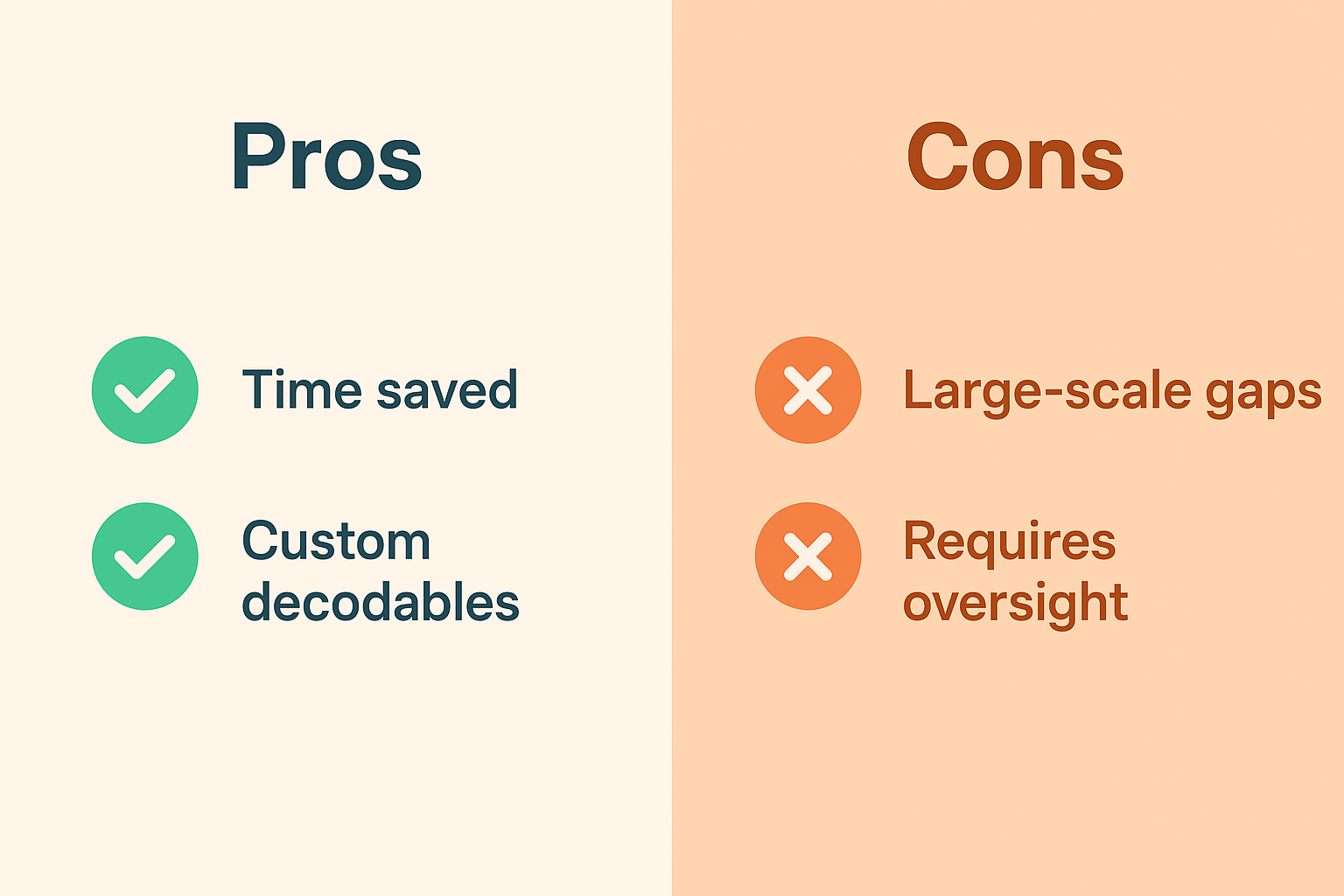
Pros & Cons of Project Read AI
Pros
Big time-saver for teachers creating decodable texts: fast, flexible.
AI tutoring adds value beyond basic print worksheets.
Good alignment with structured literacy research (Science of Reading) — helpful for schools.
Visual aids plus print-export makes hybrid or differentiated instruction easier.
For small groups, the cost-benefit is compelling.
Cons
Doesn’t replace a skilled teacher: oversight still required.
Bulk/class-wide workflows less mature — may need manual workarounds in large-scale settings.
Vocabulary sometimes drifts a bit above ideal for struggling readers; teacher still needs to pre-screen.
Tool optimisation relies on input quality (audio, reading environment) — variable in real classrooms.
Pricing can escalate (see below).
Not ideal if you’re looking for broad “reading for pleasure” content generation — its niche is structured literacy.
Pros & Cons of Project Read AI
Pros
Big time-saver for teachers creating decodable texts: fast, flexible.
AI tutoring adds value beyond basic print worksheets.
Good alignment with structured literacy research (Science of Reading) — helpful for schools.
Visual aids plus print-export makes hybrid or differentiated instruction easier.
For small groups, the cost-benefit is compelling.
Cons
Doesn’t replace a skilled teacher: oversight still required.
Bulk/class-wide workflows less mature — may need manual workarounds in large-scale settings.
Vocabulary sometimes drifts a bit above ideal for struggling readers; teacher still needs to pre-screen.
Tool optimisation relies on input quality (audio, reading environment) — variable in real classrooms.
Pricing can escalate (see below).
Not ideal if you’re looking for broad “reading for pleasure” content generation — its niche is structured literacy.
Ethical & Privacy Considerations
- Data handling & student privacy: The website claims alignment with structured literacy, but as with any ed-tech you’ll want to check how student audio and reading data are stored, how long they are retained, whether personally-identifiable info is kept. I recommend asking your school’s tech-admin for the privacy policy.
- AI accuracy vs teacher judgement: The tool reminds users to “review AI-generated content for accuracy and appropriateness”. Phonics.org+1 Relying solely on the AI would be a mistake — human oversight is critical.
- Equity concerns: The AI will perform best when the reader has clear audio, stable internet connection, a device. Students from disadvantaged backgrounds may struggle with those conditions — you’ll need to plan for that.
- Curriculum bias: Because the tool aligns with certain structured-literacy programs (IMSE, UFLI), if your school uses a very different approach you’ll need to check alignment.
- Consent for recordings: If students are reading aloud and being recorded (for AI-analysis), ensure parent/guardian consent, especially under regional privacy laws (e.g., FERPA in US, GDPR in EU).
- Not a substitute for human interaction: AI tutoring is a supplement, not a replacement for skilled instruction. Make that clear in your policy.
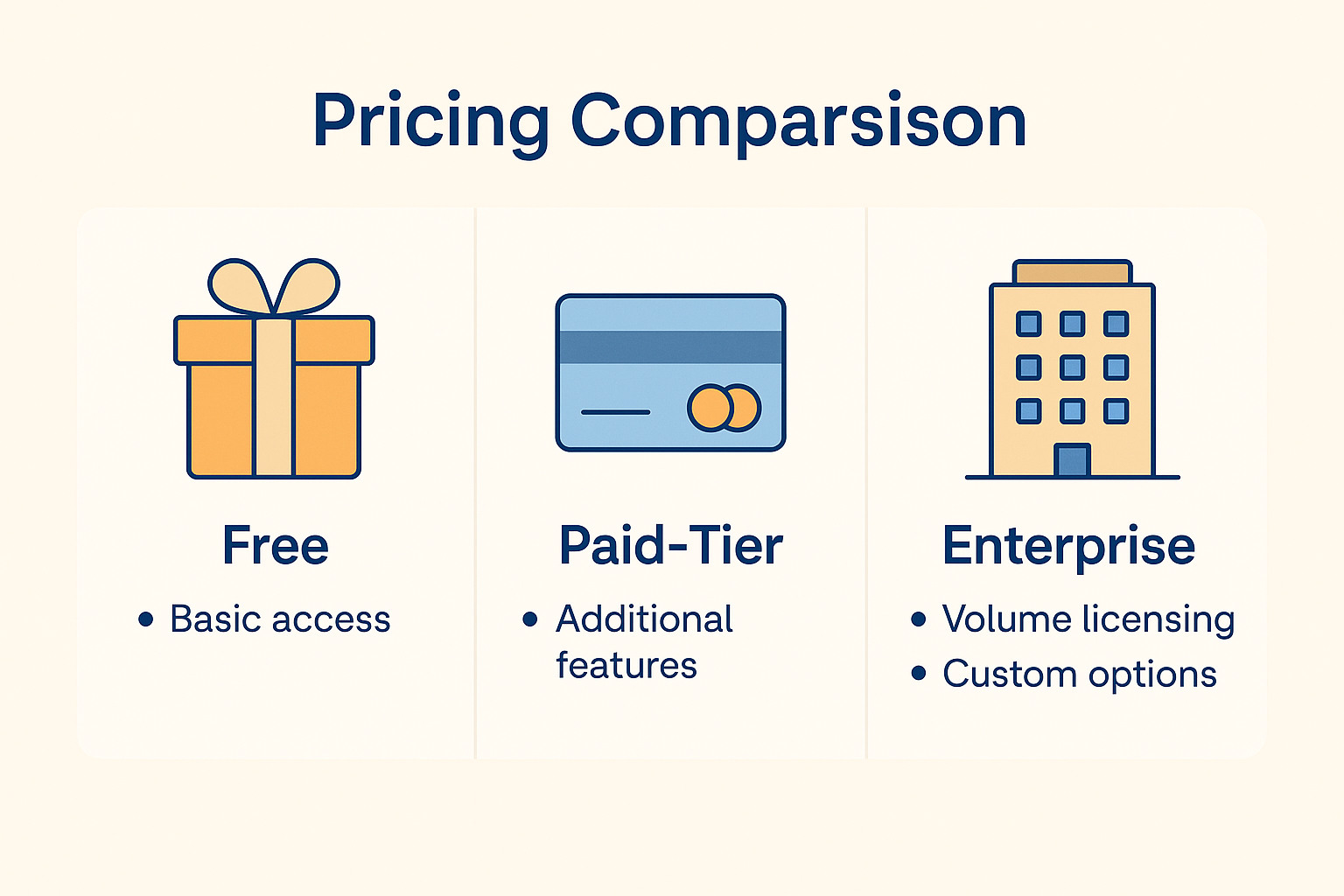
Pricing & Plans
- As of 2025, here’s what I found for Project Read AI:
- Free trial available (allowing story-generation, small group test). projectread.ai+1
- Paid tiers: The exact “per teacher/per student” pricing isn’t fully public (you often “Get a quote”). From user reports on forums, some teachers expect annual subscription costs. Facebook
- Value-for-money verdict: If you’re generating many customised decodables, using the AI tutor regularly, and saving prep time, the investment can pay off. If you’re only using it ad hoc, you might not maximise value.
Final Verdict
Honestly… I came into this sceptical there are a lot of “AI reading tools” out there that don’t deliver. But Project Read AI impressed me. It’s thoughtfully designed, teacher-centric, and strongly aligned with research on reading instruction. The decodable generator is a legit time-saver, and the tutor/feedback adds meaningful value.
That said: it’s not a magic bullet. You still need teacher expertise, audio infrastructure, and oversight. And if you’re only using it occasionally, you might question the cost.
Final Verdict
Honestly… I came into this sceptical there are a lot of “AI reading tools” out there that don’t deliver. But Project Read AI impressed me. It’s thoughtfully designed, teacher-centric, and strongly aligned with research on reading instruction. The decodable generator is a legit time-saver, and the tutor/feedback adds meaningful value.
That said: it’s not a magic bullet. You still need teacher expertise, audio infrastructure, and oversight. And if you’re only using it occasionally, you might question the cost.
Efficiency/time-savings: 4.5 / 5
Output quality: 4.3 / 5
Scalability for large cohorts: 3.8 / 5
Value for money (depending on use-case): 4.0 / 5
User-friendly/UX polish: 4.0 / 5
FAQs
Q1. Can students use Project Read AI independently at home?
Yes — you can assign generated decodable texts and have students read them aloud. But note: audio quality, mic access and internet stability matter for the AI-tutor feedback to work well.
Q2. Does it work for older students or adolescents who struggle with reading?
Yes — the tool supports upper elementary students still developing fluency. But if you’re working with high-school level reading (complex texts, literature) the decodable focus may feel too basic.
Q3. How easy is the onboarding for a classroom teacher?
Onboarding is intuitive: story-generator, export, tutor setup. Some teachers reported small hurdles with sign-in or bulk student setup.
Q4. Is student data secure?
The company emphasises evidence-based literacy and claims to handle data responsibly, but schools should review the privacy policy, audio-data storage, retention, and ensure compliance with local laws (e.g., FERPA, GDPR).
Q5. Can the tool replace a literacy specialist or teacher?
No — this remains a supplement. The AI tutor flags issues, suggests tips, but doesn’t replace human judgment, scaffolding, or personalised instruction.