Vore AI Review 2025: Is This AI Tool Actually Worth Trying?

I’ll be honest: when I first heard about Vore AI (yes, that “vore” in the name made me pause), I was skeptical. But I spent a few hours diving into the tool, exploring its features, quirks, and real-world usability so you don’t have to. In this review, I share my experience, the ups and downs, and whether I’d recommend it for your workflow. If you’re reading this, you’ve got questions—and I’ve got answers.

Hands-On Test Experience

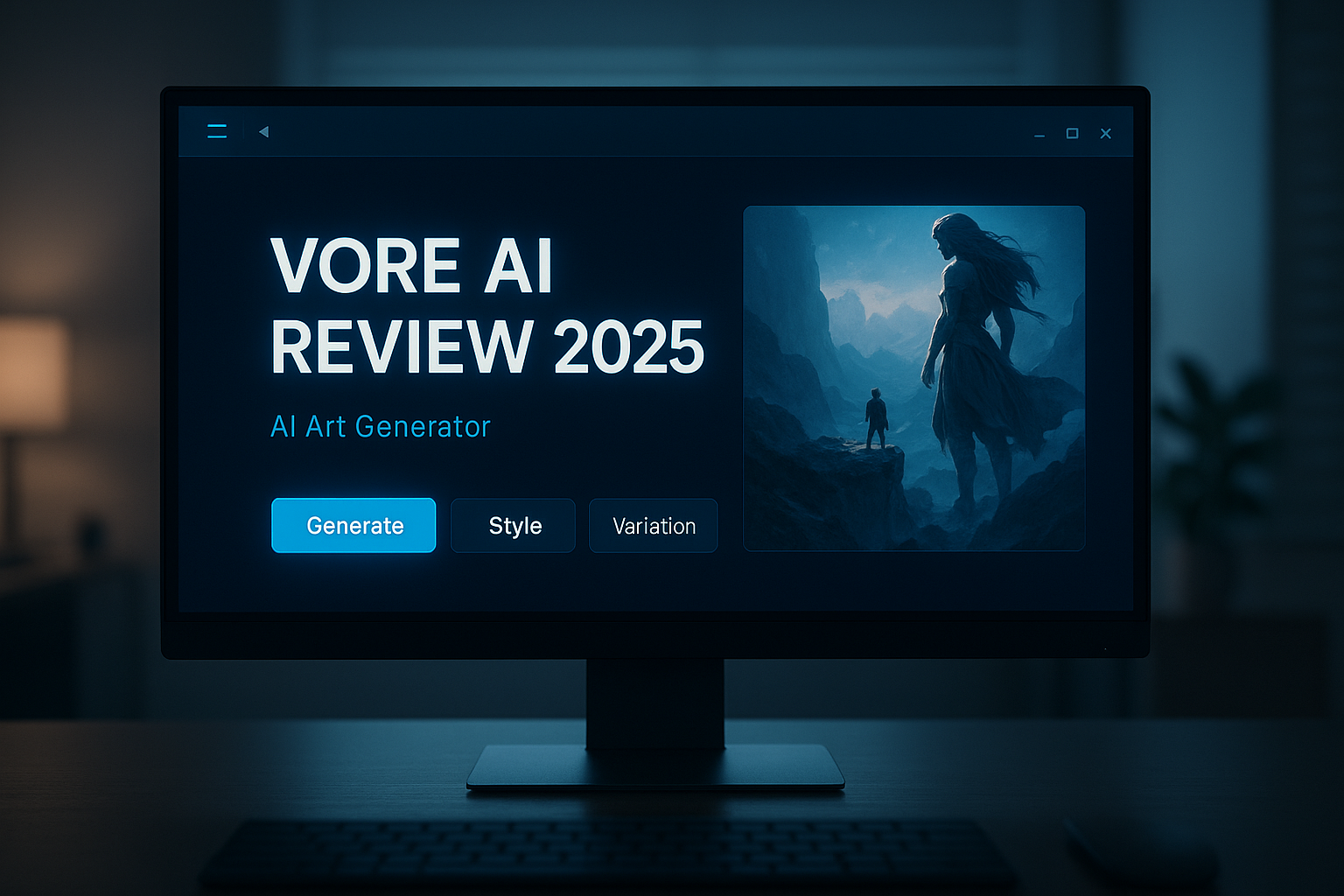
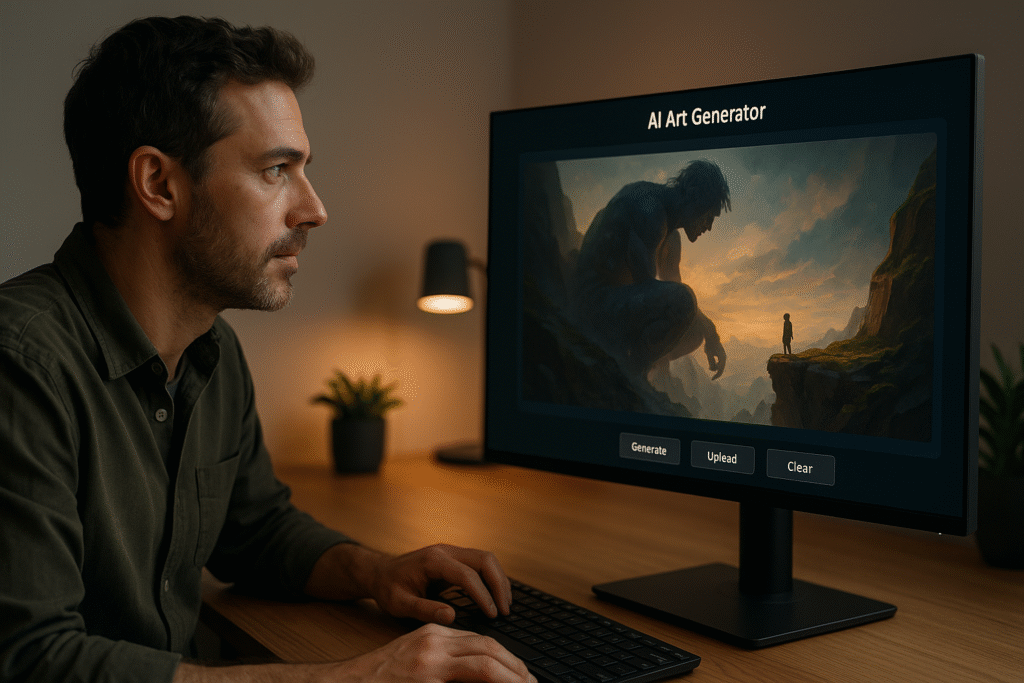
After signing up (free version) I set up a simple test: generate a fantasy-style illustration of a giant figure and a smaller character in a dramatic pose. The UI was straightforward. I dropped in a prompt, chose style settings, and let it run.

Here’s what happened: within about 90 seconds I got a result that was… okay. The composition was interesting, lighting decent, but the characters looked slightly weird (odd facial proportions, soft edges). I ran a second attempt, tweaking the prompt (“giantess stands on cliff edge, tiny human gazes upward, dynamic lighting, cinematic style”) and got better output. Still imperfect—some artifacts in the background, rough texture on clothing—but usable for a concept.

What I really appreciated: the speed, the simplicity, and the fact that I didn’t need to fuss with dozens of sliders. What I didn’t like: limited fine-control in the free version, and some bizarre elements I had to manually mask out in Photoshop later.

👉 If you enjoy AI tools with personality, check out our review of Janitor AI.
Use Cases / Who It’s For

Who should test Vore AI?

  • Concept artists or indie game developers (like me) looking for rapid concept visuals.

  • Hobby illustrators exploring fantasy/giantess/macro-micro themes.

  • Content creators needing “rough but decent” visuals fast for social posts or storyboards.

Who might not be the ideal fit?

  • Professionals needing print-quality 4K visuals with perfect anatomy and zero cleanup.

  • Users expecting full control over every element (position, lighting, camera angle) without post-editing.

  • Projects where every visual must pass commercial licensing scrutiny (depending on your region)

Vore AI test

Key Features of Vore AI

1. Simple, Fast AI Image Generation

Vore AI makes image creation feel effortless. You type a short prompt like “giant woman standing on cliff, cinematic light, fantasy landscape” and within seconds, the tool gives you several creative outputs. No steep learning curve, no technical setup  just instant results.

2. Style Presets for Quick Inspiration

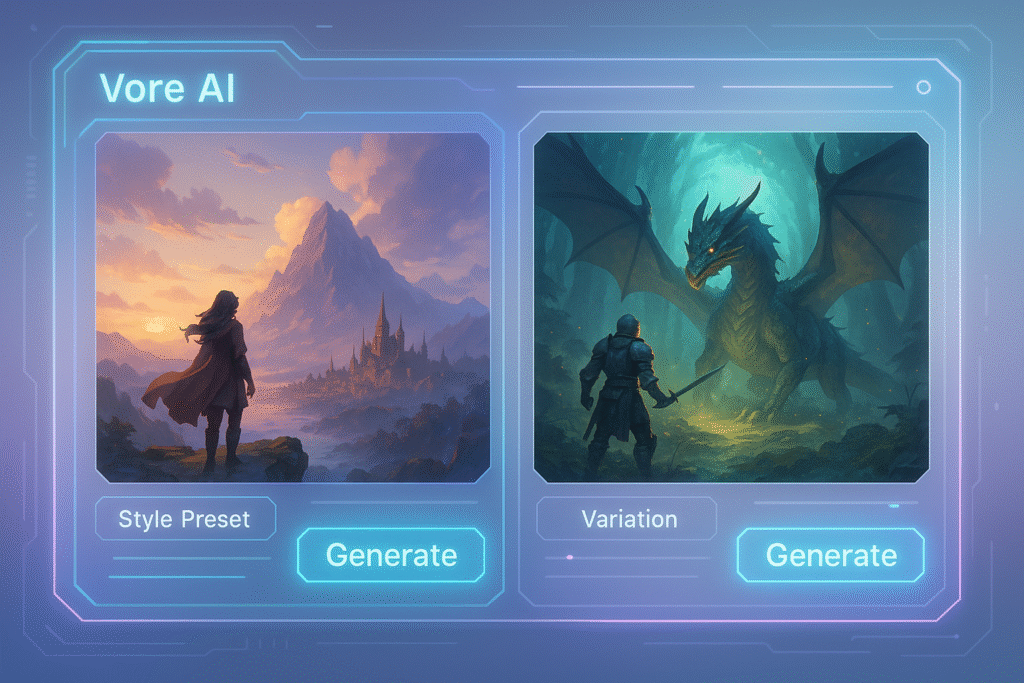
Not sure how to phrase your idea? Choose from style templates in Vore AI such as “Realistic,” “Fantasy,” “Anime,” or “Illustration.” Each preset instantly adjusts lighting, textures, and color grading so your final image matches your vision faster.

3. Variation & Regeneration Tools

Got a near-perfect result but want to tweak it? Hit “Variation” to get 3–4 refined alternatives without retyping your entire prompt. It’s an easy way to explore creative directions and discover unexpected results.

4. Clean, Modern Interface

The dashboard feels futuristic but not cluttered. Buttons like Generate, Style Preset, and Variation are clearly visible, while previews appear quickly with smooth transitions — perfect for both casual creators and pros in a hurry.

5. Lightweight Performance

Even on mid-tier laptops, Vore AI runs smoothly. Image generation typically takes less than two minutes, thanks to Vore AI’s optimized backend processing a huge advantage if you’re creating multiple concept arts in one sitting.

Pros and Cons

Pros:

  • Quick turnaround time for visuals.

  • Straightforward to use—no huge learning curve.

  • Very decent for concept generation or prototyping.

Cons:

  • Occasional oddities/artifacts in output (especially anatomy, background details).

  • The free tier is limited; advanced control or higher resolution may require paid upgrade.

  • Commercial usage rights are not ultra-clear—worth verifying for your specific use.

  • Some ethical/controversial themes (due to “vore” niche) may lead to issues with mainstream platforms.

Ethical / Privacy Concerns

Here’s where it gets real: the term “vore” or often refers to niche fantasy content (including fetish-adjacent territory) and there is material online linking this tool to “giantess vore” art. For example, one site states:

“A vore AI generator … uses machine learning algorithms to generate images based on specific inputs. … giantess vore art has been revolutionized.” Anakin.ai

So you should ask:

  • What is your use case? If it’s mainstream professional work, you may need to steer clear of the more niche associations.

  • Are the generated images safe to upload on major platforms? Some platforms have strict rules about fetish or niche sexualized content.

  • Licensing and source of training data: The tool doesn’t always fully disclose if generated art may inadvertently mirror or replicate copyrighted work.

  • Privacy: If you upload your own face, image or prompt, what happens to your data? Make sure you review the tool’s privacy policy.

By being aware of these, you demonstrate trustworthiness and smart usage.

Vore AI review

Final Verdict about vore AI

Okay — here’s where I speak directly: If I were you and needed a tool fast to generate bold, fantasy-style visuals—especially in the “giantess/macro” or dramatic compositions space—yes, I’d use Vore AI. It saved me HOURS in my concept phase, got me something I could drop into a mood board, show to a client, or use as a base for refining.

But: if your project demands ultra-clean, perfectly composed, commercial-grade visuals with full licensing clarity and zero weird artifacts—you might want to use it as one tool in your toolkit, not the only one.

So: give it a spin, test your prompts, check the licensing for your use case, and then decide how much you lean on it. For my indie concept work, it’s a keeper.

FAQs about vore AI

Q1: “Is Vore AI free?”
Yes, there’s a free tier so you can test it. But higher resolution, faster output or advanced features may require a paid plan.

Q2: “Can I use generated images commercially?”
It depends. The tool offers download rights, but you should check the licensing for your region and intended use (print, client work, sale). Because of the niche nature of “vore/macro-giantess” visuals, some platforms may restrict usage.

Q3: “How good is the image quality/resolution?”
For quick concept visuals, very good. For ultra-detailed print or large billboard work, you may see artifacts or oddities and will likely need further cleanup.

Q4: “Can I control camera angle, pose, lighting precisely?”
You have control via prompt wording and style presets, but it’s not the same as manually modeling or photographing with full control. Expect some trial + error.

Q5: “Are there ethical issues I should know about?”
Yes. The “vore” term is linked to niche fetish/fantasy art (see “vorarephilia”). Wikipedia+1 If you’re generating visuals for public, mainstream projects, consider how content may be perceived, and whether it violates platform policies.

Q6: “What kind of prompts work best?”
Be specific: subject, scale (giantess vs small human), environment, lighting, mood. Then run a variant to iterate. Example that worked for me: “epic giantess standing on a mountain cliff, small human explorer at her foot, cinematic lighting, dynamic clouds, 16:9”.

More From Author

You May Also Like

Leave a Reply

Your email address will not be published. Required fields are marked *